1. Blog
  2. Article

Canonical
on 3 August 2017

Upgrading your Ubuntu-on-Windows install to the app version


Our team and Microsoft recently released Ubuntu as a Windows app store application! If you toyed with the “bash on Ubuntu on Windows” version before and would like to try the latest and greatest, read on!
Saving your data

If your “bash on ubuntu on windows” environment has some data you’d like to keep, make sure you back it up now. The uninstall process will nuke everything.

Uninstall the old way

This is relatively simple. Opening a command line (cmd.exe) terminal and typing

lxrun /uninstall

will destroy your previous environment.

Installing the new way

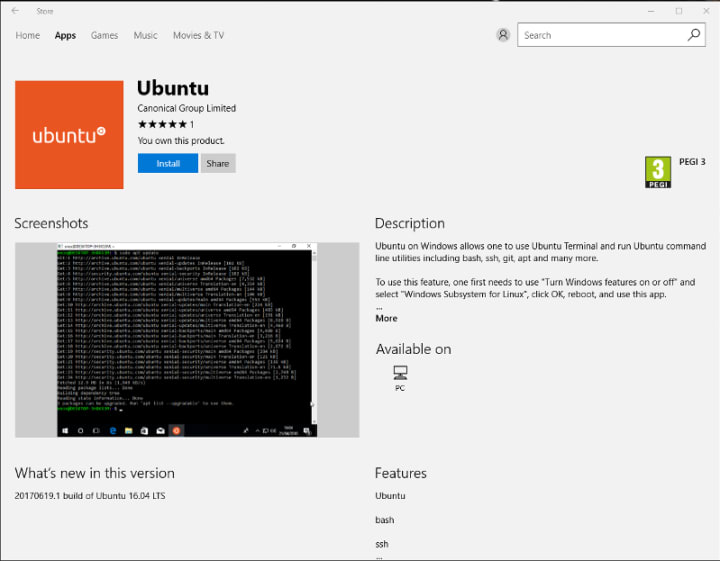
To find the app in the Microsoft store, just type “Ubuntu” in the search bar. Click install. Voilà!

Related posts


Canonical
3 February 2026

AWS IoT Greengrass comes to Ubuntu Core

Ubuntu Article

AWS’s open source edge run time meets Canonical’s fully containerized OS for devices delivering a supported and robust end-to-end answer for enterprises looking to develop their own IoT hardware and solutions. London, February 3, 2026 — Canonical and AWS are pleased to announce the release of the new snap for AWS IoT Greengrass, making th ...


Canonical
3 February 2026

Tutorial: getting started with AWS IoT Greengrass on Ubuntu Core

Ubuntu Article

We recently announced that you can now benefit from the combined power of Ubuntu Core and AWS IoT Greengrass to bring the computation, storage, and AI capabilities of the cloud closer to the edge. AWS IoT Greengrass is an open source edge runtime and cloud service that extends Amazon Web Services (AWS) capabilities to physical ...


Lidia Luna Puerta
23 January 2026

How to avoid package End of Life through backporting 

Ubuntu Article

When a Git vulnerability hit systems past Ubuntu package end of life, teams had to reassess security options. Learn how to stay protected beyond standard support. ...